Lovato Technologies LLC / Play your way
Munkz Fidget Toy
A little play. A lot to explore. Pop a row, stretch some slime, flick a spinner or guide a droplet through a maze.
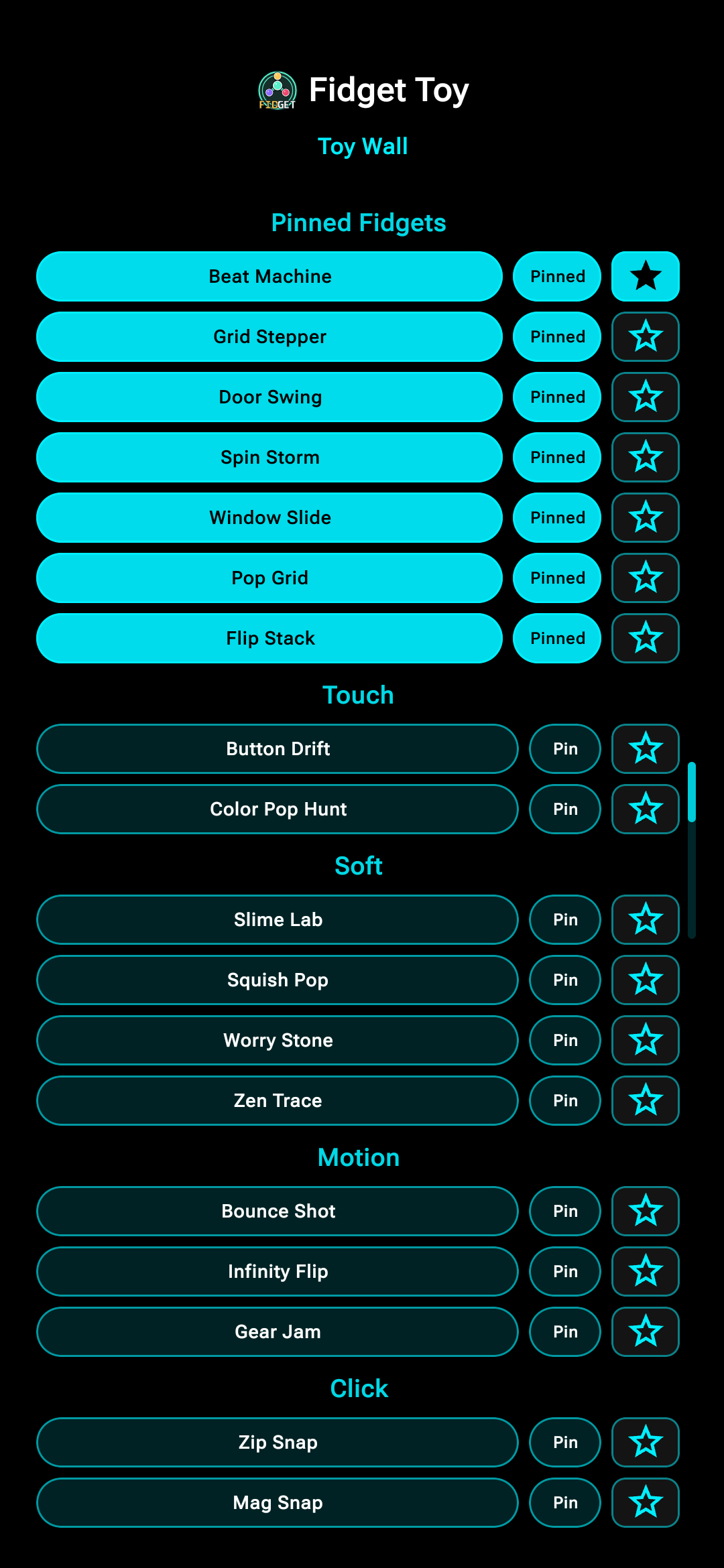
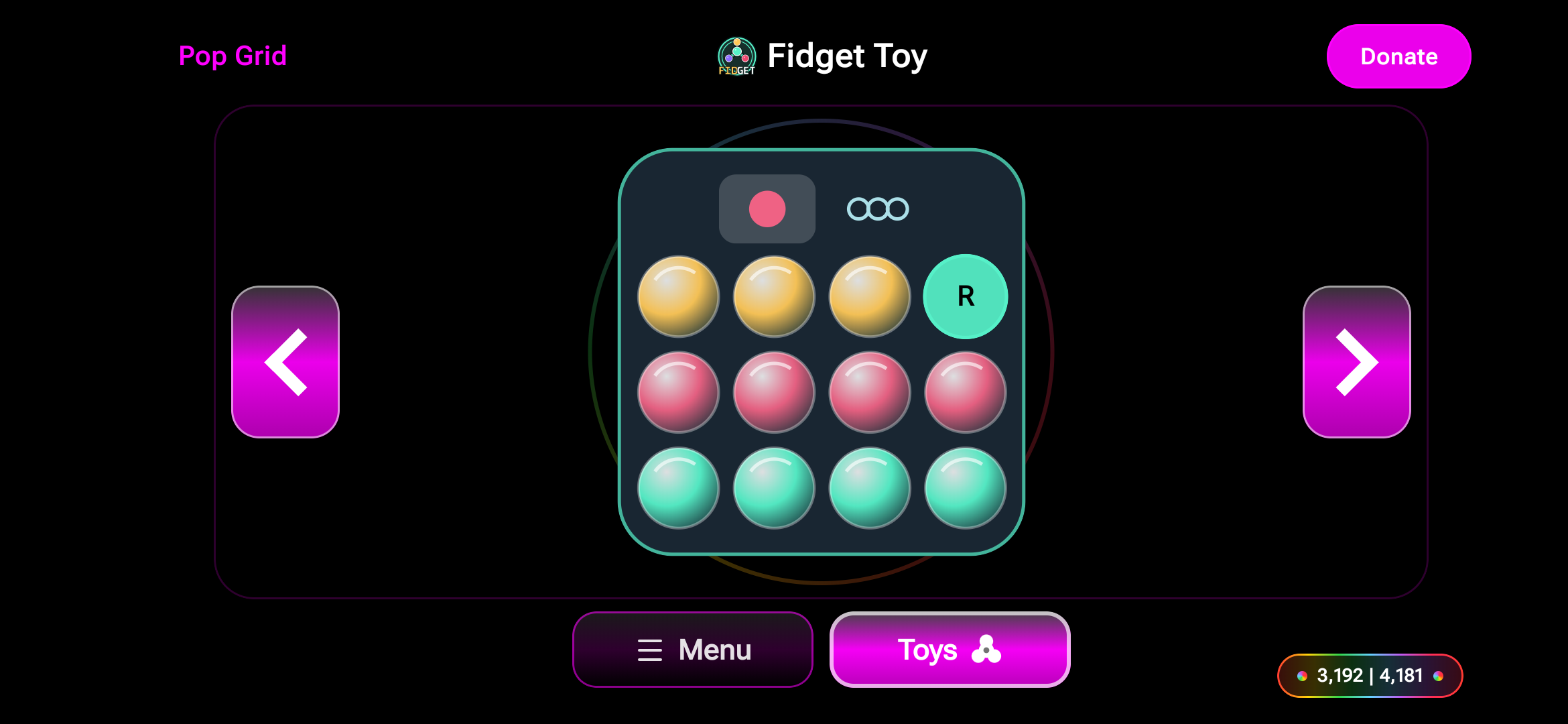
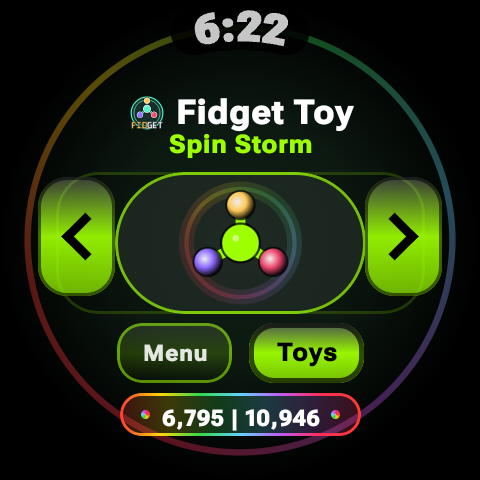
Existing Android captures from the October 2026 website collection, not newly captured Apple screens. Layout and available toys vary by platform and build.
Six ways to take a play break
Pick a mood. Meet a toy.
From soft and squishy to clicky and rhythmic, there is more than one way to unwind. Tap a screenshot for a closer look.
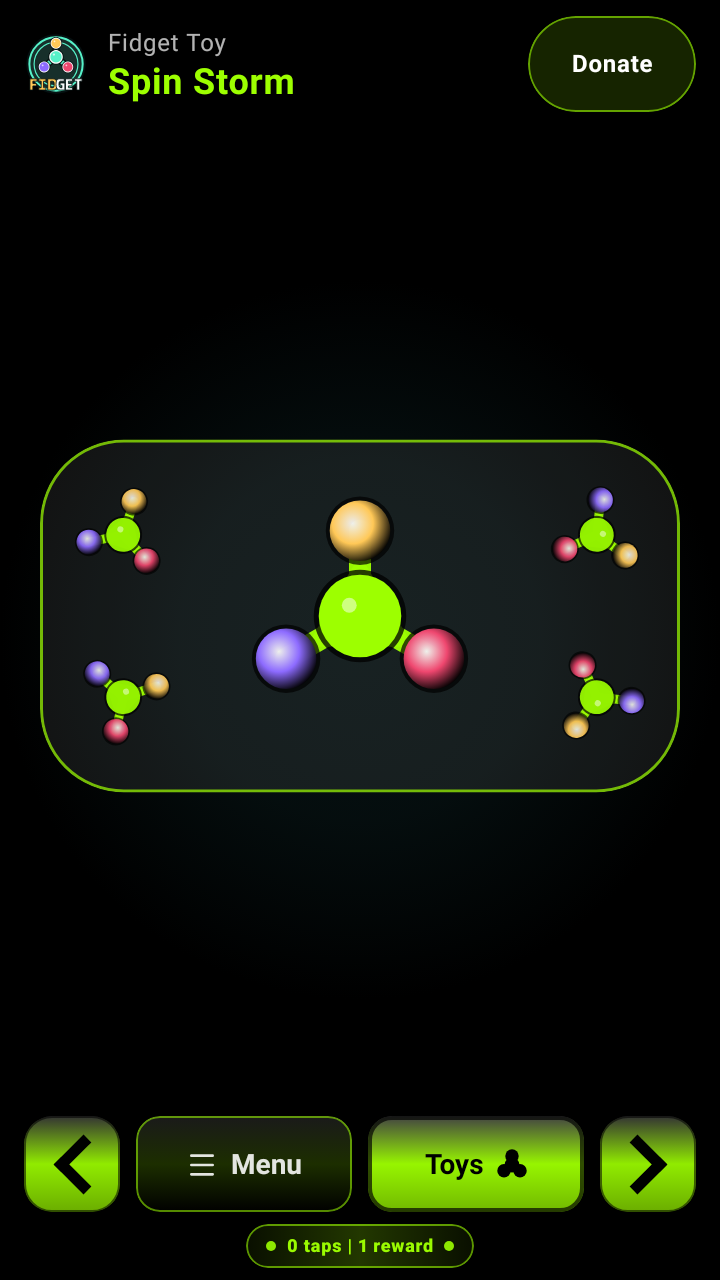
Spin Storm
Flick into motion. Find your favorite spinner and settle into a rhythm.
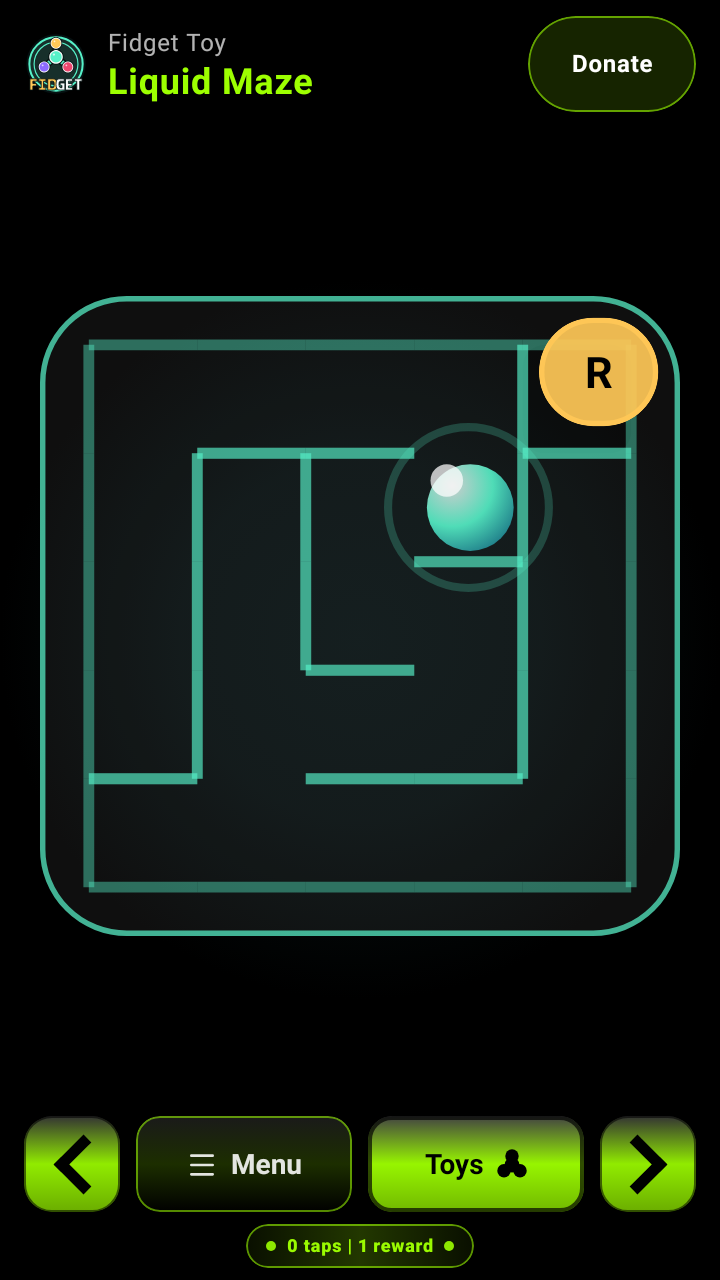
Liquid Maze
A little focus, a little flow. Guide your droplet through the maze.
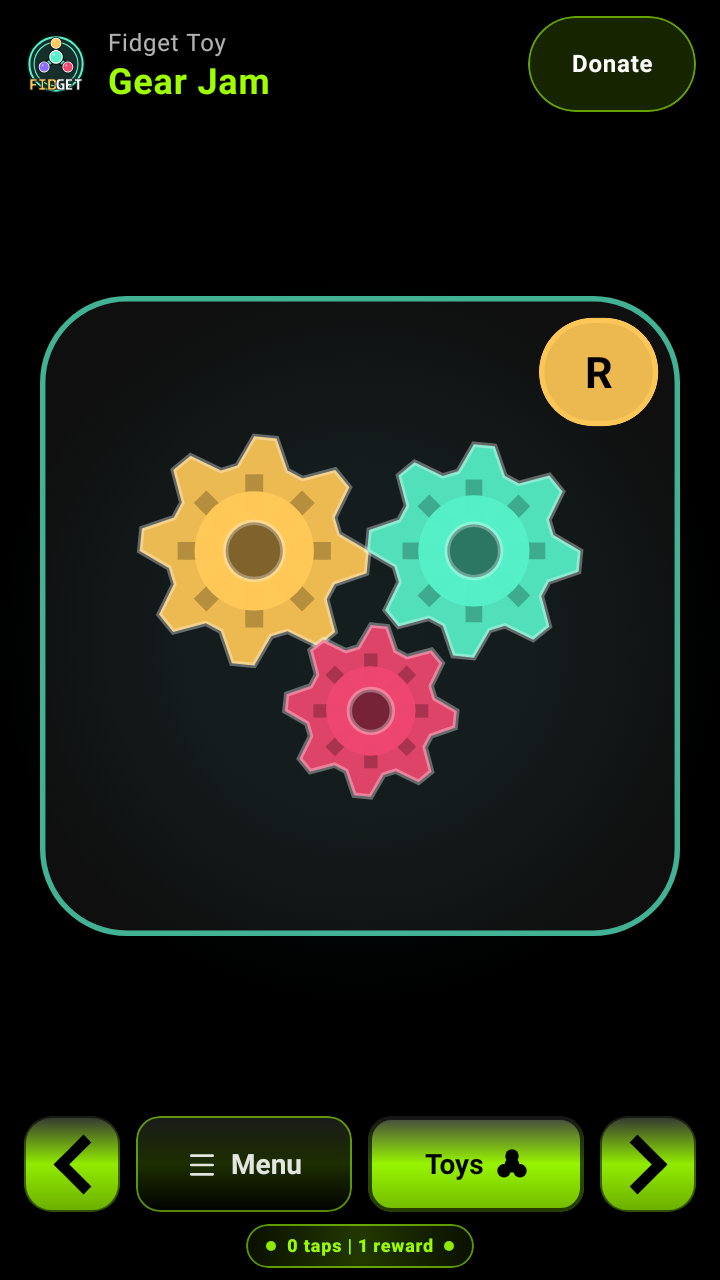
Gear Jam
Get the gears moving and enjoy a mechanical moment.
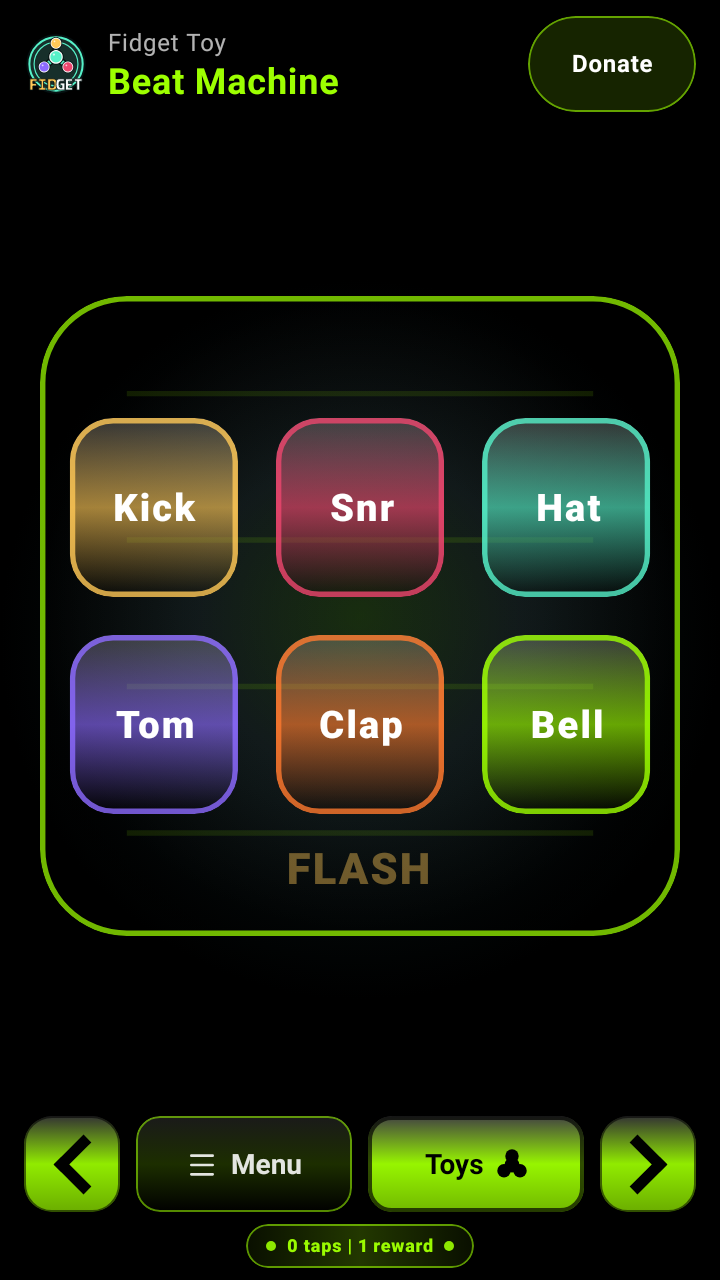
Beat Machine
Tap out a pattern and give your break a beat.
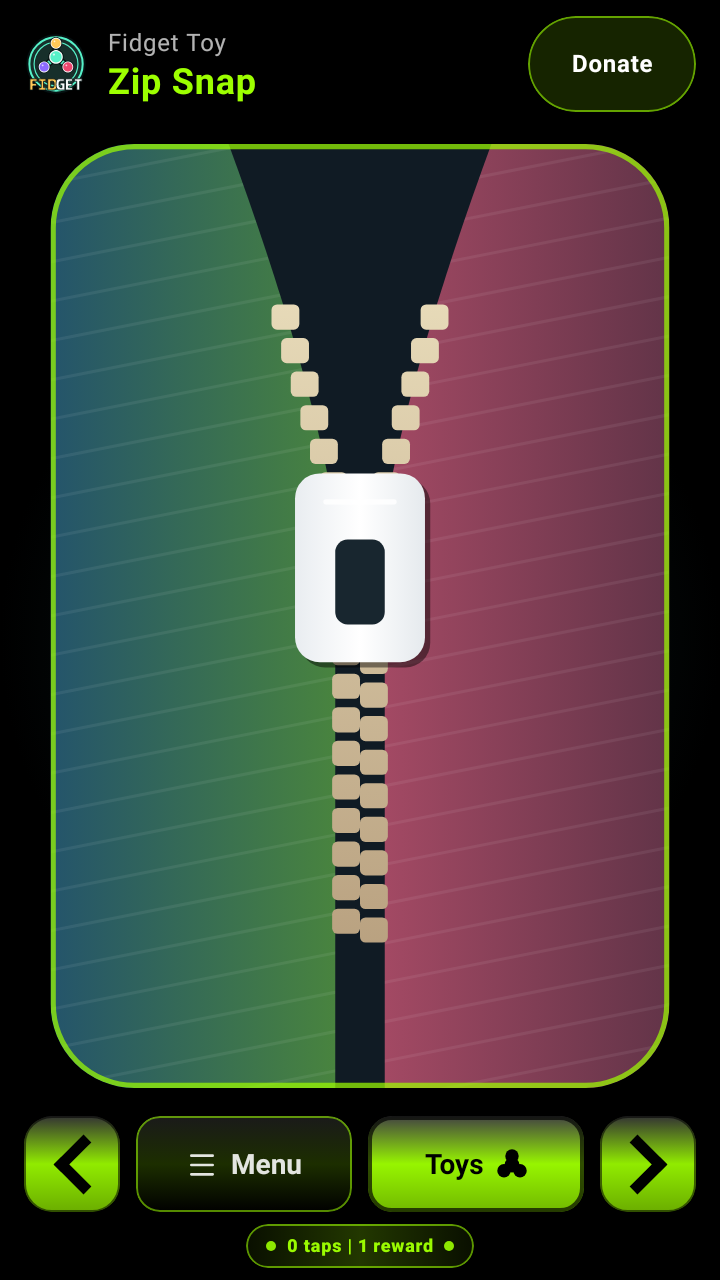
Zip Snap
Zip up, zip down. Keep the satisfying little movements going.
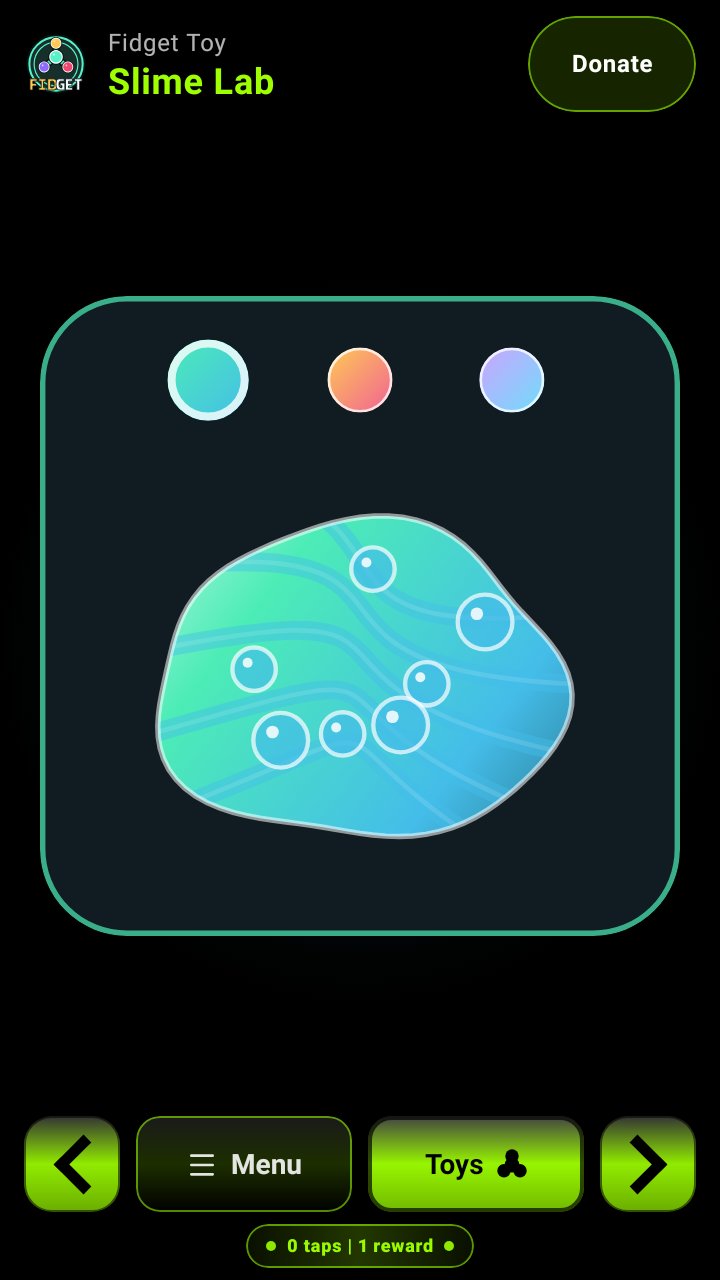
Slime Lab
Stretch, drag and play with a pocketful of digital slime.
Android UI test screenshots from the current development build, not photographs of a phone or Apple screenshots. These featured toys are also in the 28-toy public release; appearance can vary by version.
Find your kind of fidget.
- Touch: Pop Grid, Button Drift and Color Pop Hunt.
- Soft: Slime Lab, Squish Pop, Worry Stone and Zen Trace.
- Motion: Spin Storm, Bounce Shot, Infinity Flip and Gear Jam.
- Click: Zip Snap, Flip Stack, Mag Snap, Ratchet Ring, Key Clicks, Symbol Dock and Beat Machine.
- Puzzle: Grid Stepper, Maze Shuffle, Liquid Maze, Center Drop and Ball Sort.
- Everyday: Window Slide, Door Swing, Light Flick, Fan Breeze and Sink Flow.
Use touch to tap, drag, rub and flick. On supported Android devices, optional tilt controls steer selected toys and gentle shake refreshes supported maze boards. Sensitivity and neutral-position calibration are in Menu.
Make every little action count.
Start with Spin Storm and unlock another toy at each reward milestone. Zipper teeth and endpoints, window controls, flowing sink controls, and movement in Slime Lab, Squish Pop and Zen Trace contribute to tap progress.
Leave Fan Breeze, Light Flick or Sink Flow running and each enabled toy can add a passive point per second while you play, including another fidget. Both sink taps count as one passive source. Menus and backgrounding pause progress: this is not offline or closed-app earning.
Rebirth resets current points while keeping unlocked progress. Choose Calm, Glow or Celebrate reward feedback; flashing effects and stronger vibration are optional.
Your colors. Your rhythm.
Choose themes, colors, Big Ring effects, spinner designs and single or multi-spinner layouts. Add a photo background on phone. Set sound and vibration, star one favorite, and pin more toys to the Toy Wall. Supported preferences and progress can sync between compatible paired Android phone and Wear OS apps.
Android phone extras include the Fidget Dock widget and interactive spinner live wallpaper. Wear OS includes the Favorite Fidget watch-face shortcut, called a complication: tap it to open your starred toy. This shortcut is not the separate Fidget Clock development project.
Play in your language.
English, Spanish, Georgian, Greek, Turkish, Arabic, Japanese and French, plus Portuguese for Portugal and Brazil, Spanish for Argentina, and Madeira using European Portuguese. Arabic menus support right-to-left layout. These are in-app language and regional choices, not a promise that every store page is translated.
One more toy in testing.
The Android internal test (1.7.1, phone 33 / Wear OS 34) and iPhone/iPad internal TestFlight beta (1.0.0, build 13) contain 29 toys, including Popper Test. The public Android/Wear OS release has 28. The same Android 1.7.1 bundles are in production review, not yet publicly released. Popper Test inside Fidget is separate from the standalone Poppit Buzzer 3000 game.
Apple preview / separate invitation required
Fidget for iPhone and iPad.
The 1.0.0 (13) internal TestFlight beta has 29 toys, including Popper Test. Turn off lit poppers and hit the buzzer in Random or Sequence mode, with difficulty choices, timed rounds and best-level tracking. The beta also adds per-toy statistics, including directional spinner turns and simulated blue, red and purple sink drainage.
In the latest Apple internal beta only, Support Fidget offers optional one-time tips. TestFlight purchases use Apple's sandbox with no real-money charges and appear as separate test-tip counts. Tips do not unlock toys or require a subscription; all toys and free play remain free.
This is not an Apple App Store production release. Wider external tester access is not enabled yet, and the beta does not include Apple Watch. Android widgets, live wallpapers and phone/watch synchronization are not Apple features.
Ask about Fidget Apple testing. Each app needs its own TestFlight invitation; a QuvoRetro invitation does not unlock Fidget.
Fidget support and updates.
Contact Fidget supportFidget on FacebookFidget on InstagramFidget privacy policy
Find your next fidget.
Android phone, Wear OS watch, or both. Optional Google Play purchases support development.