Foreground metronome
The timing engine runs in a foreground service with dedicated timing, tone, and haptic workers.
Tap tempo, lock in the beat, read the room through tuner and spectrum tools, then push the latest BPM and key straight to the BPM Munkz watch face.
The timing engine runs in a foreground service with dedicated timing, tone, and haptic workers.
Tap along, nudge by 1 or 5 BPM, and keep the pulse between 30 and 240 BPM.
Set subdivisions, big/medium/small/silent accents, beep, haptics, and intensity ranges.
Use the tuner overlay to read note, cents, frequency, listen profile, and guessed key.
Open a live spectrum readout, detect strong bands, estimate BPM, and save BPM/key to the clock.
The app publishes latest BPM and latest key complications for the BPM Munkz watch face.
The app combines a big tempo readout, beat flash, vibration, color settings, playlist editing, tuner, spectrum, and a quick-launch tile so the pulse is ready when the song starts.
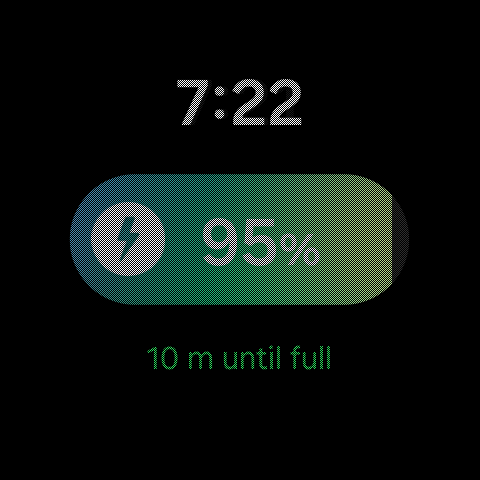
The watch-face complication layout was tightened so the latest key sits on the left and the latest BPM sits on the right. Tapping either complication opens the app into the spectrum workflow.
Shows the latest saved musical key from the tuner or spectrum workflow.
Shows the latest saved tempo reading, sized to match the key slot.
Complications jump back into BPM Munkz Pulse so the next reading is one tap away.
BPM Munkz Pulse keeps the live controls compact so a musician can move through the app with short swipes and quick popups instead of deep menus.
Start or stop the pulse, open playlist editing, see the current song context, and keep the selected clock style visible.
Set BPM, beat count, subdivisions, accent layout, tuner, spectrum, and edit-rhythm controls from the main metronome page.
Control beep, vibration, accent intensity, A4 reference, diagnostics, keep-screen mode, colors, clock image, ring behavior, and language.
Tap in a tempo, nudge BPM by small or larger steps, and keep a dedicated big-ring tempo page ready for quick capture.
Read note, cents, frequency, recent notes, key guess, and likely chords, then save BPM or key back to the current song.
Tap the watch-face reading, jump into spectrum, wait for BPM and key, then press Clock to save the reading back to the face.
The app owns tempo, tuner, spectrum, playlist, tile, and latest-reading data. The watch face displays the latest saved BPM and key through Wear OS complications.
Manual nudges, tap tempo, saved song tempos, foreground playback, optional beep, optional haptics, and visual pulse.
The tuner can shift reference pitch for sessions that need a different A4 center than 440 Hz.
Compact watch labels are localized for the main app, settings, tuner controls, tile, and complication names.
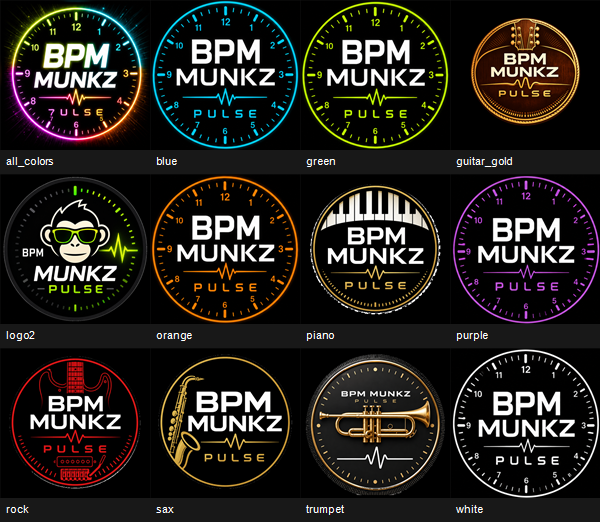
Rainbow, blue, green, orange, purple, white, Munk, sax, piano, guitar, trumpet, and rock-inspired styles are ready for the BPM Munkz app and watch-face artwork.